Your plans. Your pace. Your YEGO.

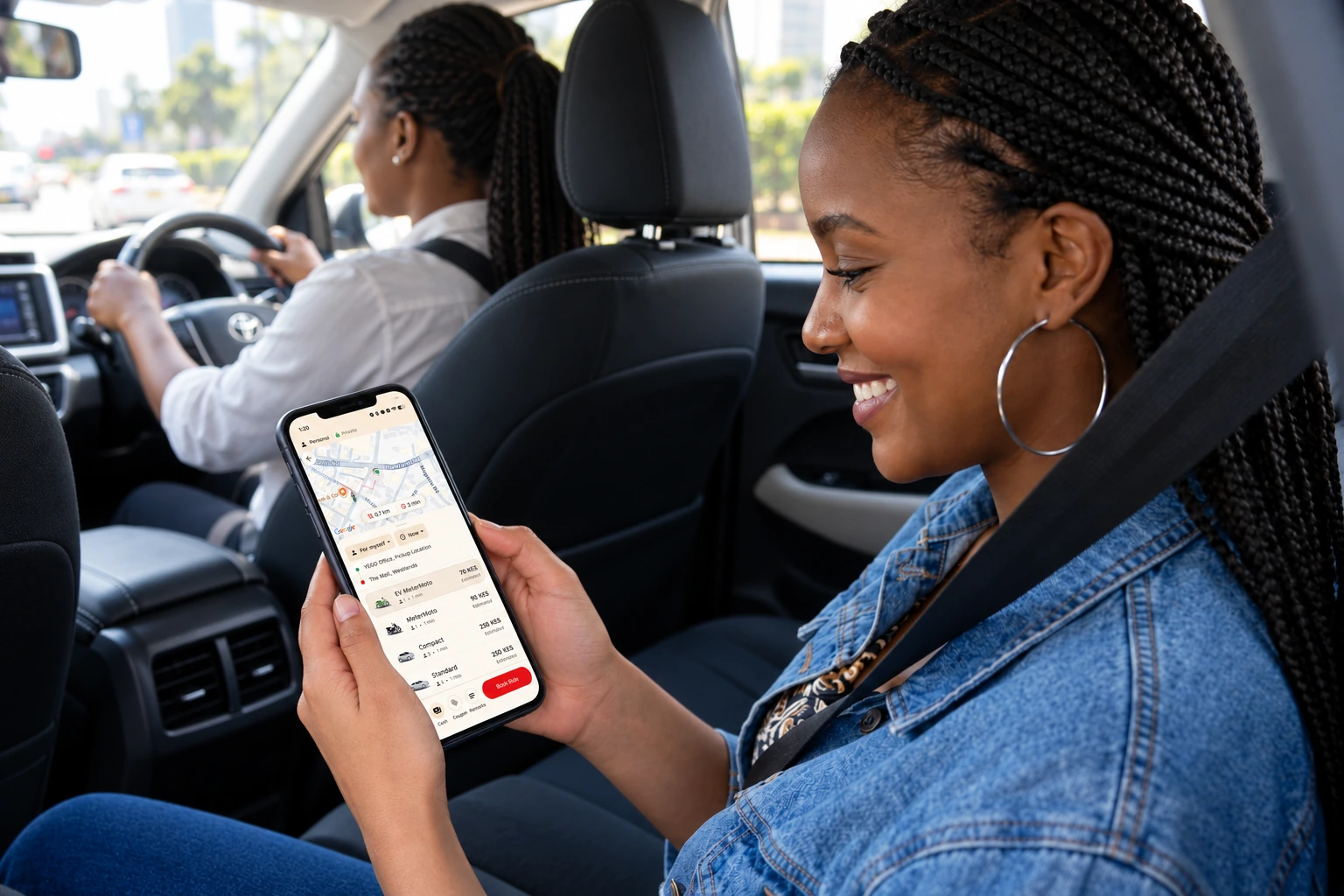
The morning commute, an errand across town or the way home. Choose a taxi or MeterMoto and get going in the app.

Belted passenger viewing the YEGO app while a female driver looks ahead

Book a ride. Not a negotiation.

See an estimate before you request. The meter counts the actual distance and time of your trip.

Traffic, extra stops or a new destination can change the final fare. Rain and rising demand don’t increase the rate. Tolls and surcharges may apply.

Pay with cash, M-Pesa, Visa, Mastercard or your YEGO wallet, topped up through M-Pesa.

Already beside a YEGO?

Start a metered trip with the driver who’s already there.

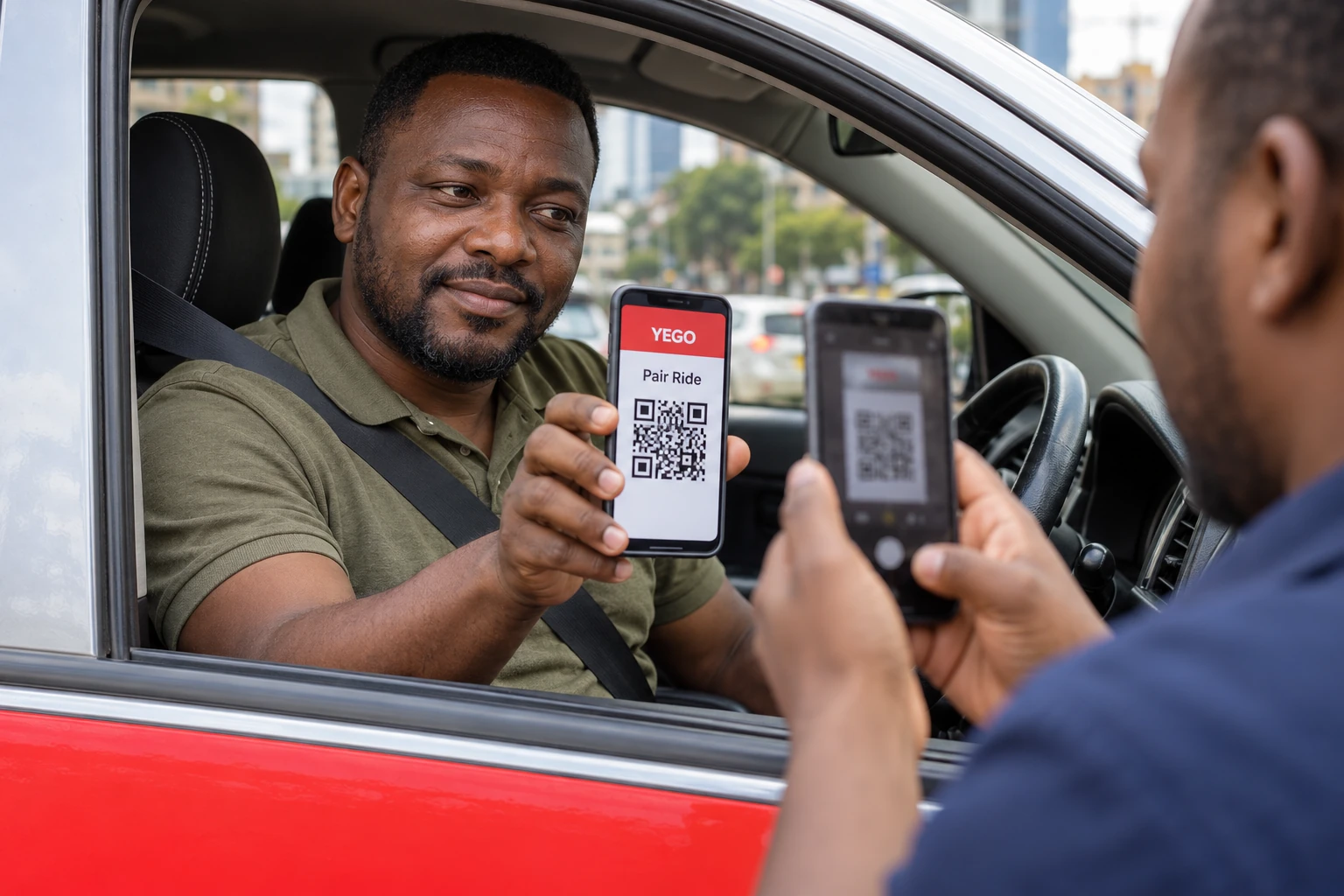
Passenger scanning a QR code held by the seated driver of a parked YEGO taxi

Pair Ride

Taxis, MeterMoto and MeterMoto EV

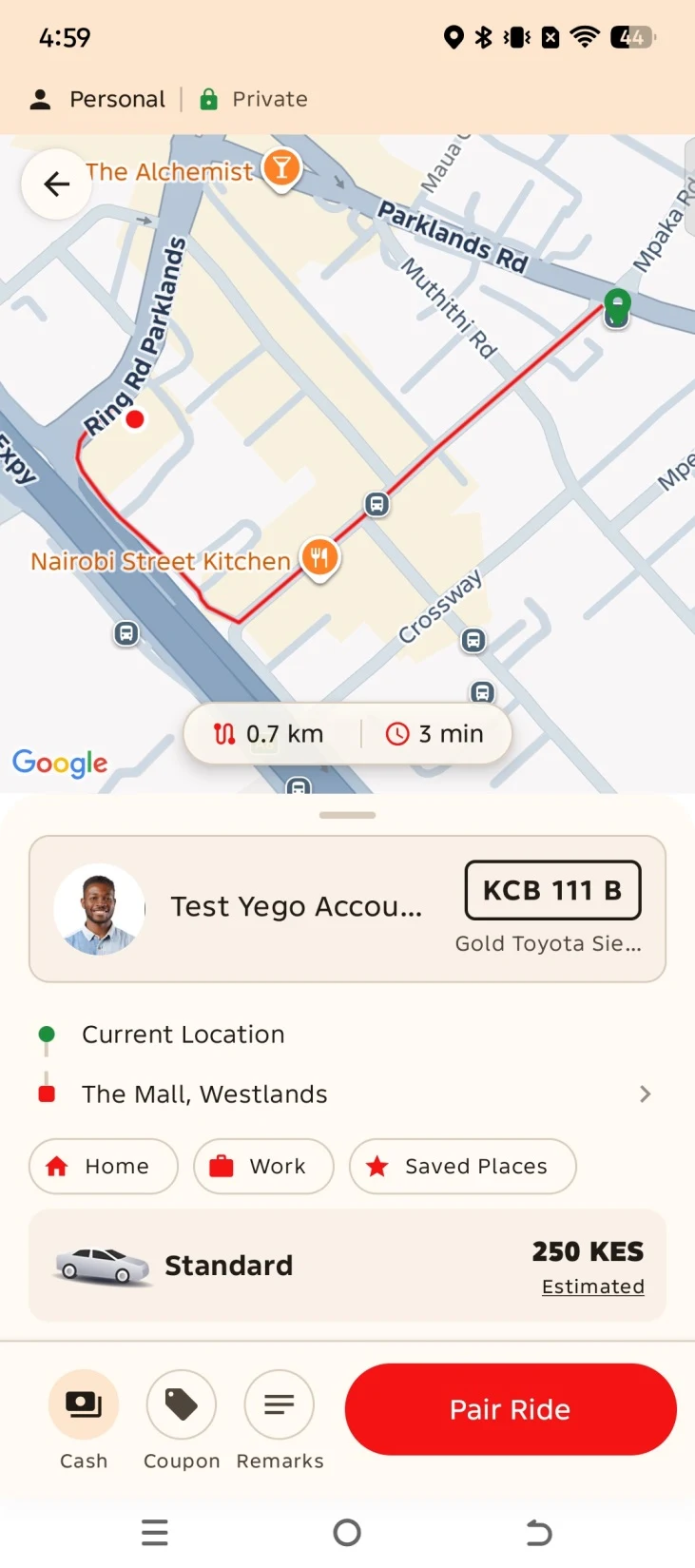
Open Pair Ride in your YEGO app and scan the dynamic QR code on the driver’s app. Check the driver, destination, estimate and payment method, then confirm.

See the Pair Ride screens
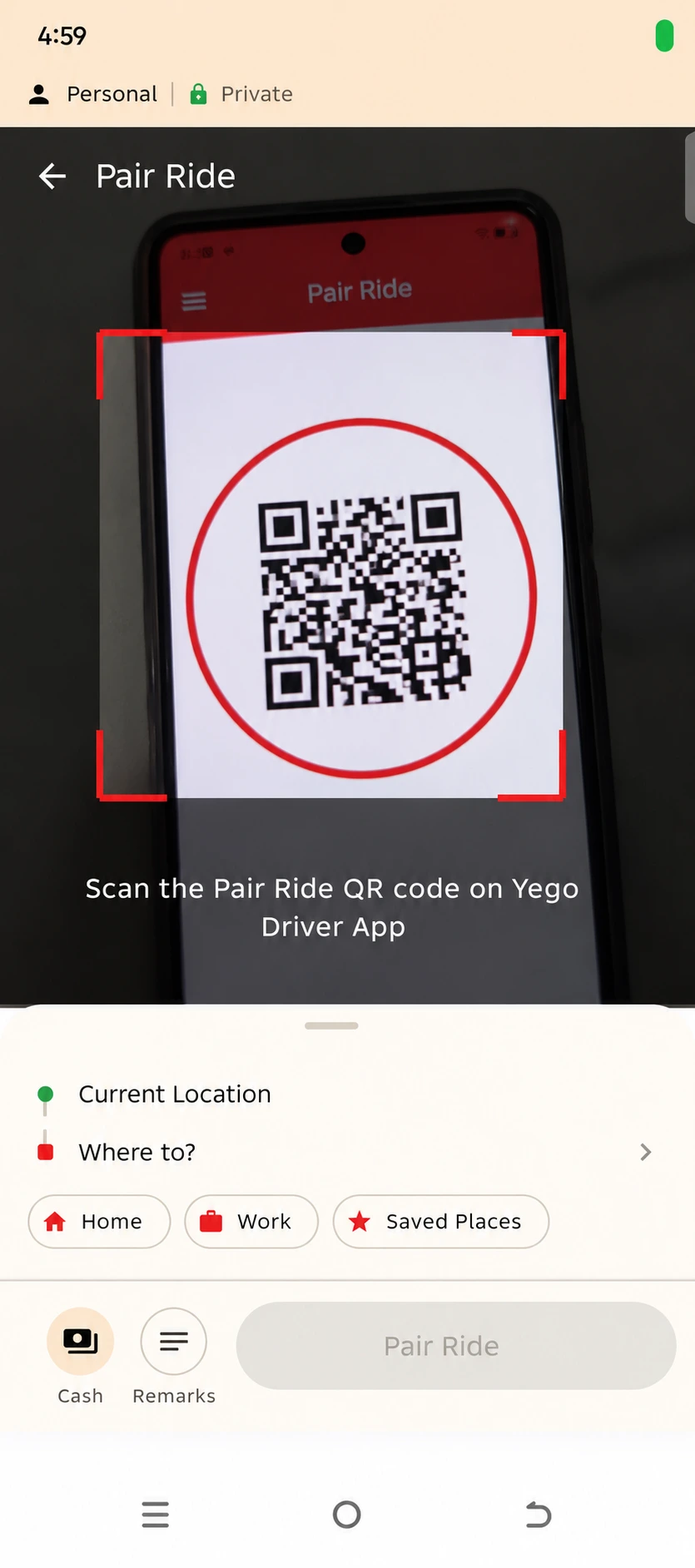
Passenger scanning the QR code on the driver’s app
1. Scan the driver’s code.
YEGO app showing the trip details and Pair Ride button
2. Review and pair.

Example screens. The QR code shown is for illustration.
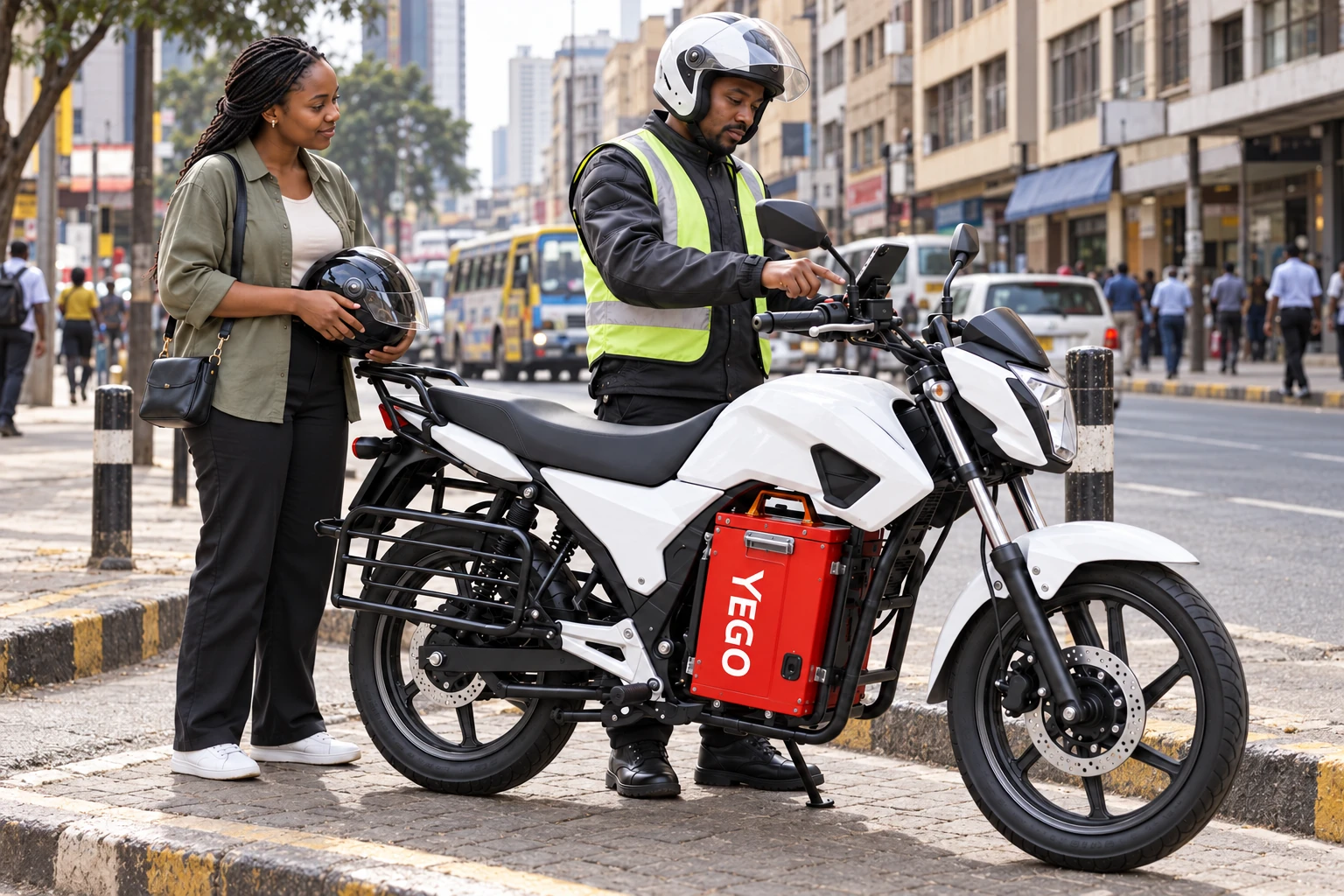
A waiting passenger beside a stationary YEGO motorcycle while the rider uses the mounted phone

Slide to Start

MeterMoto and MeterMoto EV

Tell the rider where you’re going and ask for Slide to Start. The rider starts the meter in the YEGO driver app. You don’t need to scan a code or use a passenger app.

Who’s coming along?

Compare passenger capacity and choose the ride that fits.

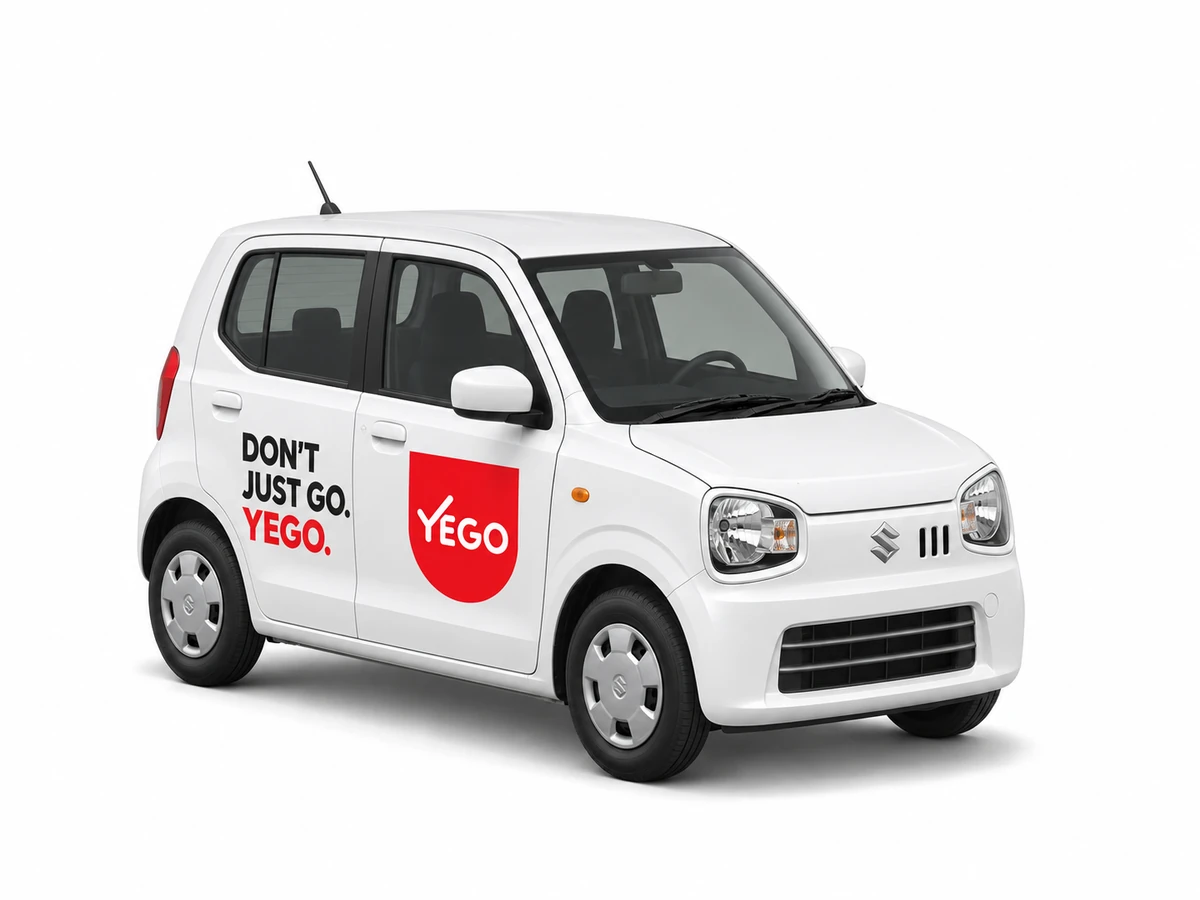
White Suzuki Alto hatchback with YEGO door brandingIllustrative vehicle. Models vary.
Up to 3 passengersEveryday value

Small car. Big plans.

Coffee catch-ups, quick errands or getting to work. A compact ride for the everyday.

Categories depend on your city and available drivers. Check the app for the latest options.

How to book in the app

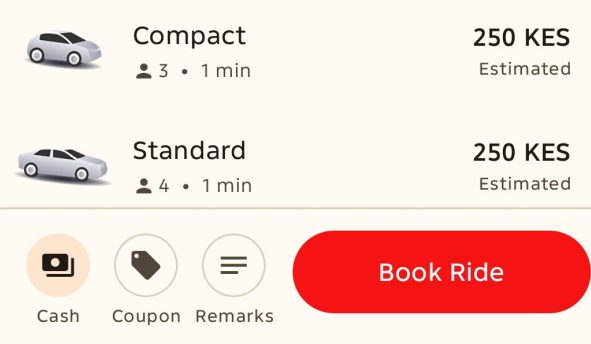
YEGO category choices, example estimates and the Book Ride button
01

Set your journey

Enter your pickup and destination. Choose a category and payment method. Your app shows the estimate for your journey.

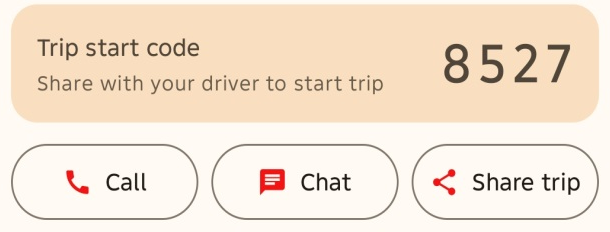
Example trip start code with call, chat and share-trip controls
02

Meet your driver

Match the driver and vehicle to the app. Share your trip start code only after they match and you’re ready to leave.

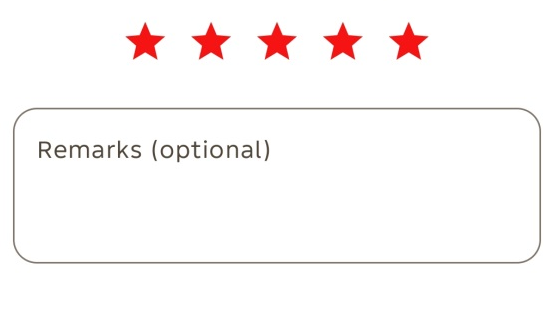
Trip rating stars and the optional remarks field
03

Rate your ride

Pay with your chosen method. After your trip, leave a rating or let us know how it went.

Get the appHelp & support